
Disclosure: Camp Signal Co. earns a commission if you buy through some links on this page, at no extra cost to you. Those links are marked "(paid link)". As an Amazon Associate, Camp Signal Co. earns from qualifying purchases. We only point to gear that solves a problem described on this page, and we tell you when a cheaper or free option works just as well.
Last checked: October 17, 2026. Starlink changes prices and plans often, so confirm on starlink.com before you buy.
The short version
- Run it straight off 12V DC with a proper cable instead of an inverter when you can.
- Give it the clearest sky you can find; trees and roofs cause most dropouts.
- Add a travel router or mesh if the back of the rig is a dead zone.
- Check current plans on starlink.com before you buy. They change often.
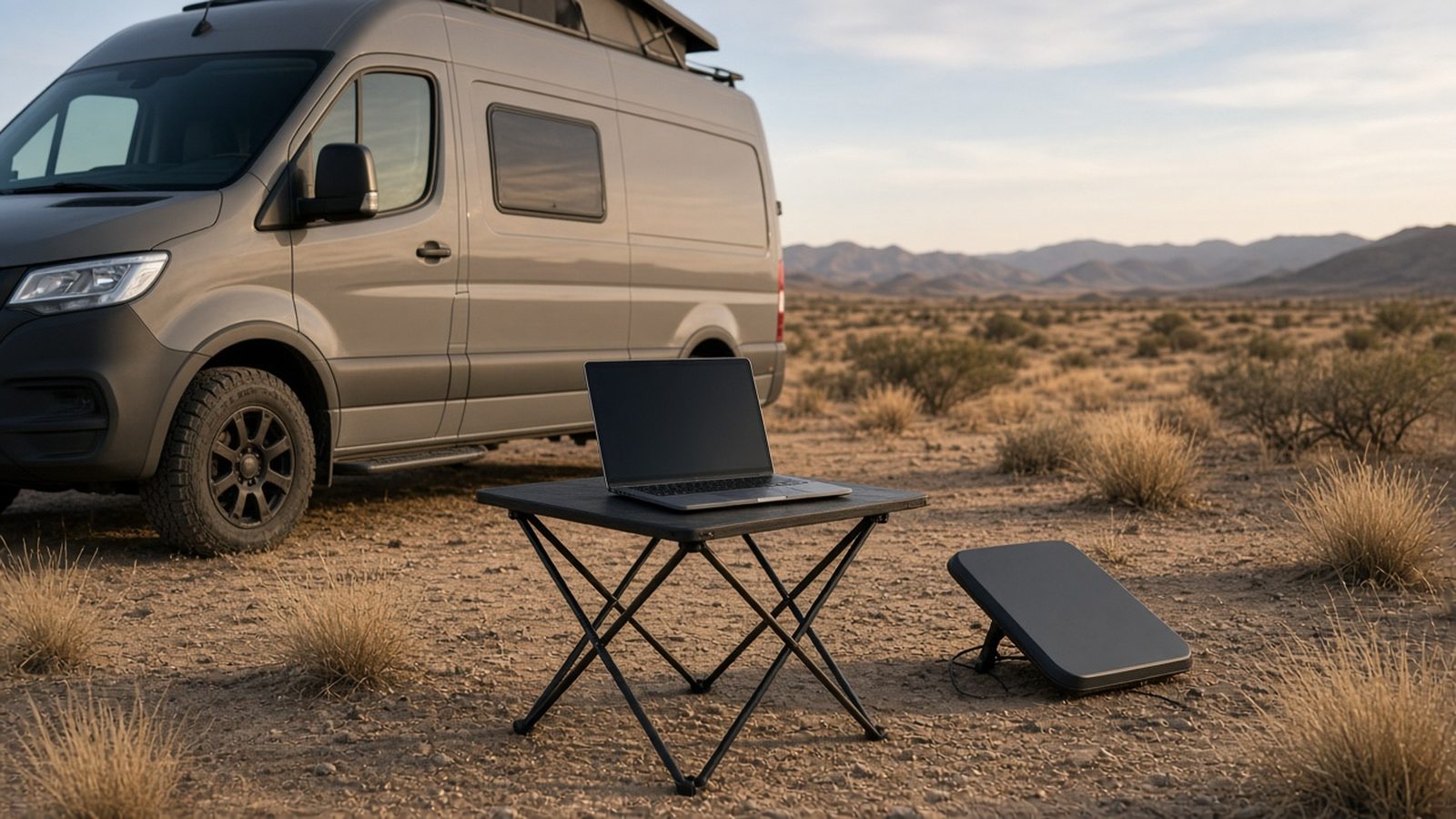
The Starlink Mini is the easiest way to get satellite internet in a rig. It's small, light, runs on 12 volts, and has the Wi-Fi router built in. This guide covers everything after unboxing: power, placement, getting Wi-Fi to the back bedroom, picking a plan, and what to do when it drops.
1. Is the Mini the right dish for you?
| Starlink Mini | Starlink Standard (Gen 3) | |
|---|---|---|
| Dish weight | 2.43 lb | ~6.4 lb |
| Average power | 25–40 W | ~75–100 W |
| Router | Built in (Wi-Fi 5) | Separate router (Wi-Fi 6) |
| Field of view | 110° | 110° |
| Best for | Vans, trucks, small and mid trailers, anyone on battery power | Bigger rigs with big battery banks or frequent hookups |
Sources: Starlink Mini specs (https://starlink.com/public-files/specification_sheet_mini.pdf ); comparison table at Starlink RV Kit (https://www.starlinkrvkit.com/blog/starlink-rv-in-motion-setup ).
Rule of thumb: if you camp off-grid on batteries, the Mini's low power draw matters more than anything else. If you're mostly at full-hookup parks and want the strongest Wi-Fi in a 40-foot fifth-wheel, the Standard is worth a look.
Price check: The Mini kit's price differs a lot between Starlink's own site and big-box stores, and promotions come and go (see https://starlinkdealsusa.com/blog/starlink-mini-deal/ ). Prices move a lot, so compare before you buy.
2. Power: the part most people get wrong
What the Mini actually uses
- Starlink's spec: 25–40 W average. Input is 12–48 V DC, 60 W max (Starlink spec sheet above).
- One owner measured about 22 W over three days on DC power (https://www.reddit.com/r/Starlink/comments/1px2tox/power_consumption_mini_vs_v3/ ).
- Use is higher in cold weather (snow melt) and while it's connecting.
Quick battery math
Watts × hours ÷ 12 = amp-hours from a 12 V battery.
- 30 W × 8 hours = 240 Wh, or about 20 Ah a day.
- 30 W × 24 hours = 720 Wh, or about 60 Ah a day.
If you have a 100 Ah lithium battery and a little solar, the Mini running all workday is very doable. Leaving it on all night, every night, is where batteries run down.
Three ways to power it (best to worst for off-grid)
-
12 V DC straight to the dish (best). Use a 12 V outlet or a fused 12 V circuit with a DC cable made for the Mini. There's no inverter, so nothing is wasted. Starlink Mini 12V car adapter + USB-C/DC cable (paid link)
-
USB-C power delivery. Starlink says the source must supply 100 W (20 V / 5 A) minimum, using Starlink's USB-C-to-barrel cable (spec sheet). Many power stations and some 12 V USB-C chargers qualify. Cheap 60 W chargers will not. 100W USB-C PD 12V adapter
-
The included AC power supply through an inverter. It works, but the inverter itself burns power. One van-life source says an inverter can add around 30 W of overhead, roughly doubling the Mini's draw (https://engineerswhovanlife.com/starlink-for-van-life/ ).
Safety: fuse every 12 V circuit you add, use wire sized for the run, and follow the manufacturer's instructions. If you're unsure about RV electrical work, have a qualified RV tech do it.
3. Where to put it
- The Mini needs a clear view of the sky. Its field of view is 110° (spec sheet).
- In the Starlink app, run Check for Obstructions before you commit to a spot. Even a few branches can cause drops every few minutes.
-
Under trees, moving the dish 20–30 feet into a clearing usually beats any mount upgrade. The Mini comes with a 15 m (49 ft) cable. Starlink Mini 15m USB-C/DC replacement cable
-
For driving: all Roam plans support use in motion up to 100 mph (https://starlink.com/us/roam ). The dish must be securely mounted, not sitting on its kickstand.
Full mounting options (poles, ladders, magnets, bolt-on) are in Best Ways to Mount Starlink on an RV or Van.
4. Getting Wi-Fi inside the whole rig
The Mini's router is Wi-Fi 5 and covers up to about 1,200 sq ft in open space (spec sheet). On a roof or pole outside a metal or aluminum-sided RV, the signal inside is often weak. DISHYtech says a roof-mounted Mini's built-in Wi-Fi "might have a tough time reaching inside" (https://www.dishytech.com/starlink-mini-poe-power-over-ethernet-modification/ ).
Fixes, cheapest first:
- Move the dish closer, or put it on a short pole near a window. That's free.
-
Add an inside router over Ethernet. Plug the Mini's Ethernet port into a travel router inside the rig. The Mini's port needs a Starlink-style plug or adapter, and it isn't rated IP67 with a standard RJ45 cable (spec sheet). GL.iNet Beryl AX travel router (paid link) A travel router like the Beryl AX (https://www.gl-inet.com/en-us/products/gl-mt3000 ) can also connect to campground Wi-Fi or a phone hotspot as a backup.
-
Mesh for big rigs. The Mini works only with Starlink's own mesh, not other brands' (spec sheet). To use a third-party mesh system, put it behind your inside router and turn off the Mini's Wi-Fi. TP-Link Deco X55 2-pack
5. Picking a plan (October 2026)
| Plan | Price | Data | Notes |
|---|---|---|---|
| Roam 100GB | Check starlink.com | 100 GB, then under 1 Mbps | US and Canada only (since July 2026) |
| Roam 300GB | Check starlink.com | 300 GB, then under 1 Mbps | US and Canada only |
| Roam Unlimited | Check starlink.com | Unlimited | Works abroad (trip limits apply) |
| Standby Mode | Check starlink.com | Basic access only | Keeps your account; no in-motion use |
Sources: https://www.starlinkrvkit.com/blog/starlink-rv-in-motion-setup , https://www.usmobile.com/help/docs/our-plans/core-plans/starlink-roam-plans . Confirm current prices at starlink.com before you buy.
How to pick:
- Weekend camper, mostly email and maps: Roam 100GB, then Standby between trips.
- Working remotely a few days a week: Roam 300GB.
- Full-time, streaming, video calls every day: Unlimited.
- Billing is month to month, so you can switch as your travel changes.
6. Troubleshooting checklist
| Symptom | Most likely cause | Try this |
|---|---|---|
| Drops every few minutes | Obstructions (trees, the rig's own roof edge) | Run the obstruction check and move or raise the dish |
| Won't power on from 12 V | Charger below 100 W PD, a thin cable, or voltage sag | Use a 100 W PD source or a direct DC cable; check the fuse and battery voltage |
| Great speed outside, bad inside | Wi-Fi blocked by the RV walls | Add an inside router over Ethernet (section 4) |
| Slow in the evening | Network congestion in busy areas | Expect it; schedule big downloads for early morning |
| Very slow mid-month | Hit your plan's data cap | Check usage in the app; upgrade or wait for the reset |
| Battery dead overnight | Dish left on 24/7 | Turn it off at night or put it on a switched 12 V circuit |
7. A simple Mini starter setup
- Mini kit Starlink
- 12 V DC cable or 100 W PD adapter Starlink Mini 12V car adapter + USB-C/DC cable (paid link)
- A way to mount it: pole clamp or magnetic mount Starlink Mini pole clamp mount (paid link) Starlink Mini magnetic roof mount (paid link)
- Optional inside router GL.iNet Beryl AX travel router (paid link)
- Optional sealed cable entry through the wall or roof Starlink-compatible cable entry gland (paid link)
Start with the dish, a DC cable and the kickstand. Add the rest only when you hit the problem it solves.
As an Amazon Associate, Camp Signal Co. earns from qualifying purchases.
Our picks
Arkare 3-in-1 Starlink Mini Car Adapter (12V to 20V, 100W, 10 ft)
Boosts a 12V socket to the 20V/100W the Mini needs, with a USB-C to DC cable.
Check price on AmazonGunovy Starlink Mini 12V Adapter Booster (100W, 16.4 ft)
Same 12V-to-20V job with a longer cable for a dish placed away from the socket.
Check price on AmazonGL.iNet GL-MT3000 (Beryl AX) Wi-Fi 6 Travel Router
Extends Wi-Fi beyond the range of the Mini's built-in Wi-Fi 5 router.
Check price on AmazonJackery Explorer 300D 288Wh LiFePO4 DC Power Station
DC/USB-C-only output up to 140W, so no inverter losses.
Check price on AmazonEcoFlow River 3 Plus + EB300 Extra Battery (572Wh)
572Wh total, close to the ~720Wh/day a Mini uses running 24 hours.
Check price on AmazonBLUETTI EB3A 268Wh LiFePO4 Power Station
Lower-cost battery sized for the ~240Wh workday case.
Check price on AmazonHave a question this guide didn't answer? Ask us on the Camp Signal Co. Facebook Page. Reader questions are how this guide gets updated. This guide is general information. Follow the manufacturer's instructions, and use a qualified installer for roof penetrations and electrical work.